 QueueMind
FROM REQUEST TO REVIEW
Less context switching. More considered support.
Follow a support request through QueueMind’s inbox, knowledge-grounded analysis, human review and confirmed simulated reply.
CONTEXT BEFORE THE NEXT STEP
Bring a request into the inbox
Create a ticket manually, preview a CSV import or explore the seeded synthetic inbox. A demo workspace includes 100 tickets and 12 knowledge articles.
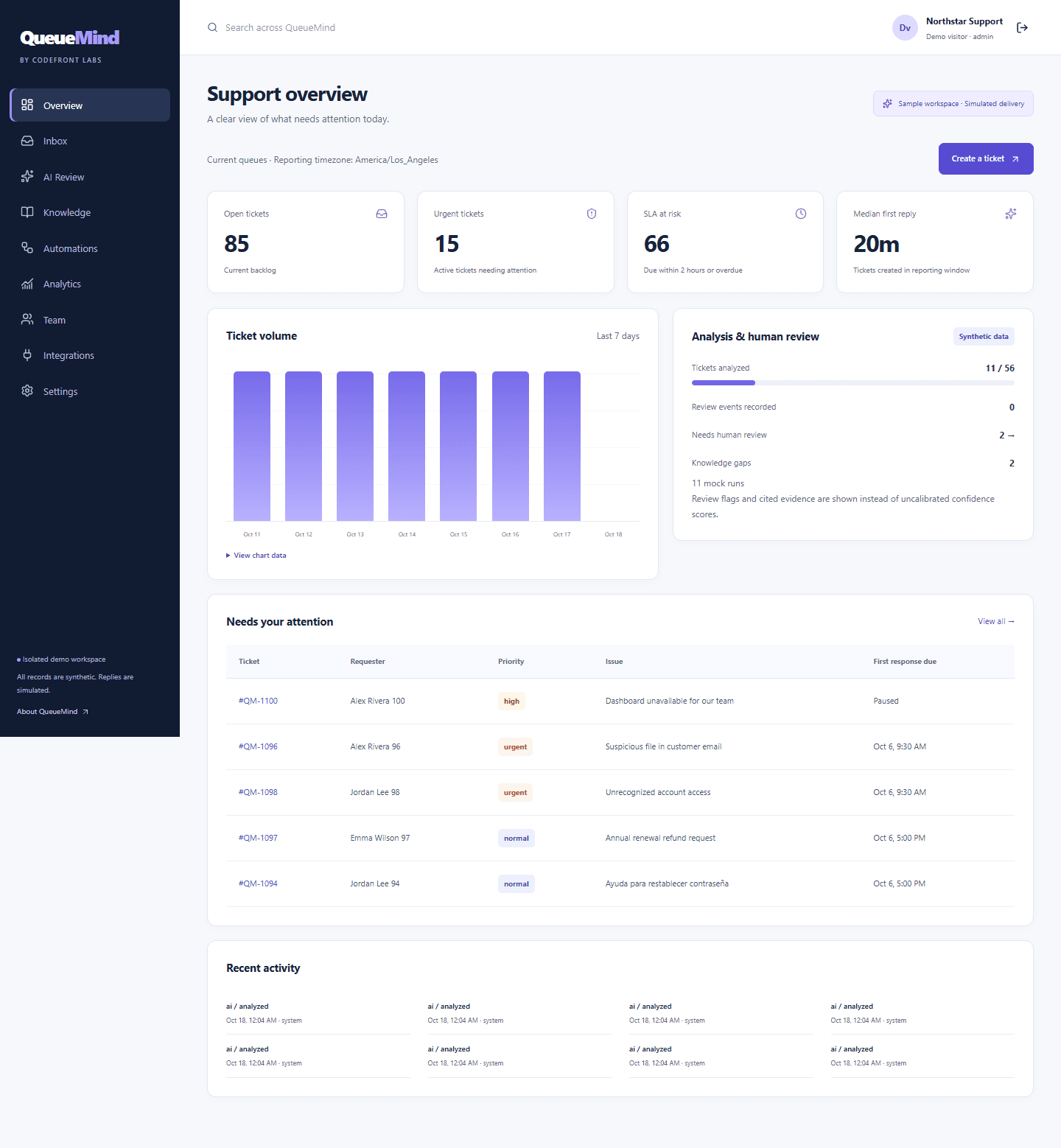
Follow the steps.
Review the first pass
Run analysis and inspect proposed classification, assignment and reply. Check citations against the exact knowledge version and review safety flags.
Put the team’s judgment to work
Assign the owner, add internal notes and accept, edit or reject the suggestion. Ordered routing and role permissions define the surrounding workflow.
Confirm the reply
Save the draft, inspect the preview and explicitly confirm it. The public outbox records a simulated reply; nothing is emailed to a real customer.
Keep the follow-through visible
Track response and resolution clocks, inspect history and use reporting to understand the queue. A wider deployment is configured around the team’s agreed process.
BUILT BY CODEFRONT LABS
Make the next step a considered one.
Tell us how your team works. We'll discuss the scope, setup and support for a custom QueueMind implementation.