 QueueMind

01
A useful first pass.
Classify incoming requests, surface urgent issues, suggest a team, and prepare a reply for review.
Give every support request a thoughtful first pass. QueueMind organizes the work, grounds replies in your knowledge, and leaves the decisions with your team.
No signup. Isolated sample workspace. Replies are simulated.
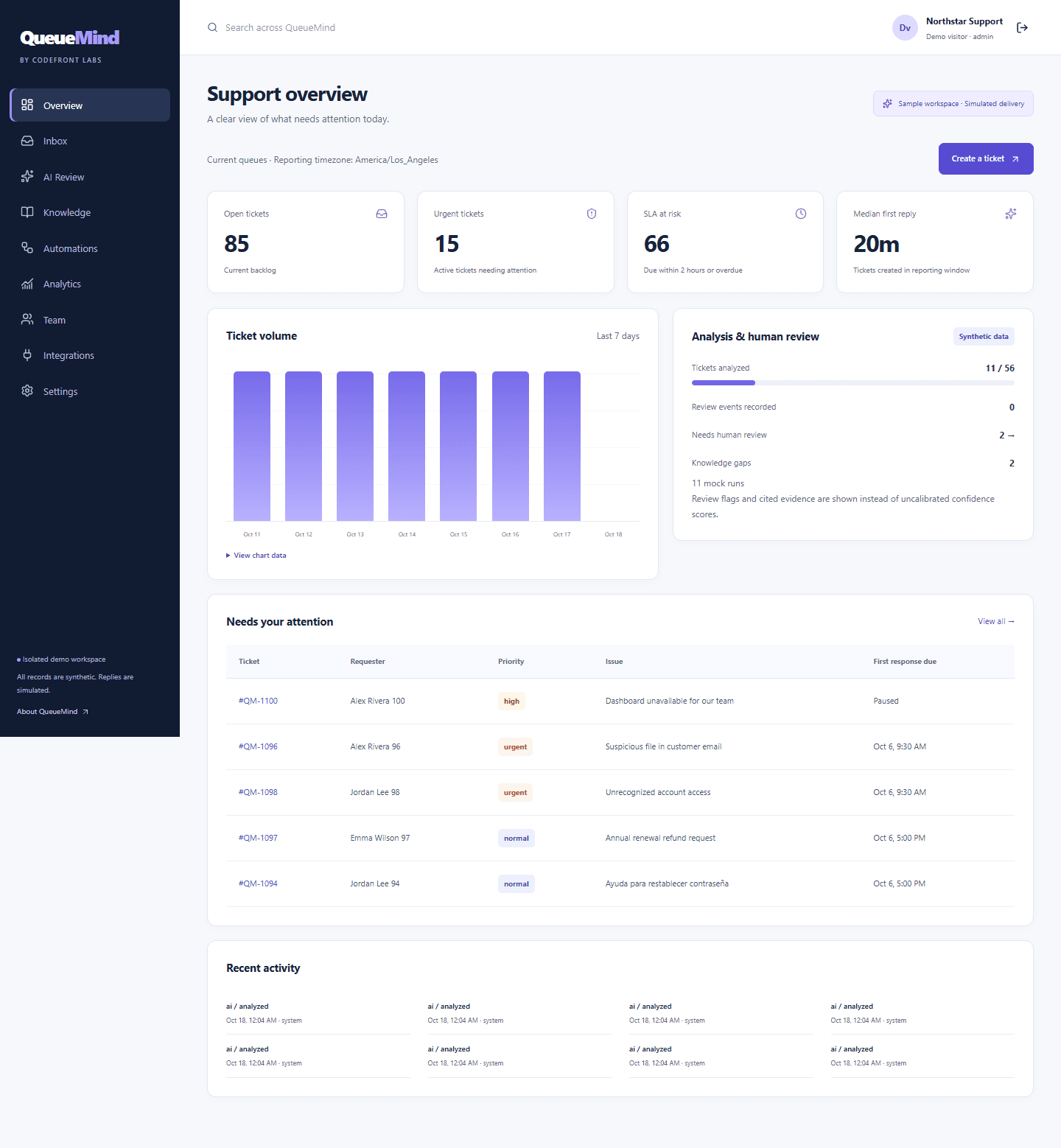
Bring the conversation, the context, and the next action together. Keep your team’s judgment at the center.
Classify incoming requests, surface urgent issues, suggest a team, and prepare a reply for review.
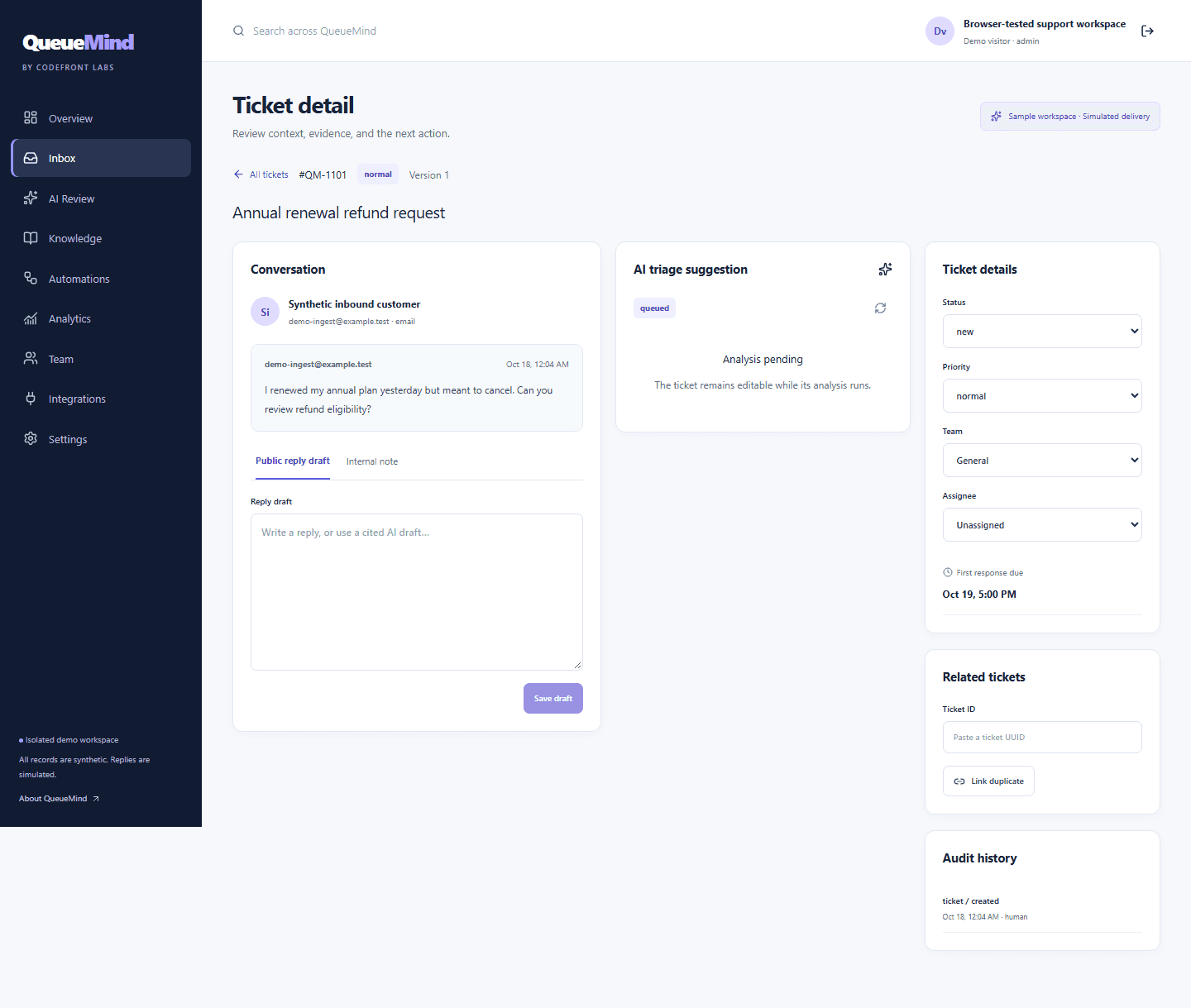
Ground replies in approved knowledge. Inspect the exact article version and excerpt behind a suggestion.
Route work with ordered rules, flag sensitive conversations, and keep important exceptions in a human review queue.
Track response and resolution targets against business hours, holidays, time zones, and pending-customer pauses.
See the reasoning, source excerpts, and risk flags before you act. Edit a draft, reject a recommendation, or ask a lead to review it. Saving a draft never sends a message.
QueueMind is available as a custom implementation through Codefront Labs. We work with you on setup, deployment, knowledge, routing, and the integrations your team actually needs.
Discuss purchase & setupDefine your channels, permissions, routing rules, and service targets.
Prepare approved knowledge, configure an AI provider, and scope the right integrations.
Validate the review workflow, test with your scenarios, and plan a supported rollout.
Yes. The demo creates an isolated workspace with 100 synthetic tickets and sample knowledge. Create a ticket, run analysis, inspect citations, change routing, and confirm a simulated reply. Changes persist in that workspace. Nothing is emailed to a real customer.
The public demo uses a deterministic analysis provider for reproducible workflows without a model account. QueueMind also has a configurable OpenAI-compatible provider for an implementation using a real model. Provider and model information appear with analysis results.
QueueMind is offered through a direct implementation engagement, rather than self-service subscriptions. Contact Codefront Labs to discuss purchase, hosting, configuration, and your integration requirements.
No. Analysis creates a reviewable suggestion. A person must save, preview, and explicitly confirm a reply. The public demo records simulated delivery only. Production delivery integrations are scoped during implementation.
Use synthetic or redacted material in the public demo. A business implementation needs its own workspace, access controls, provider configuration, and agreed data retention and hosting settings.